How to Make a Family Calendar Everyone Will Use in 2026
The family calendar sits on the kitchen wall, updated religiously by one person and ignored by everyone else. Sound familiar? The problem is not the calendar—it is the system.
In 2026, successful families are ditching the “one person updates everything” model and embracing shared, collaborative calendars that make participation effortless. If you are tired of repeating “Did you check the calendar?” for the hundredth time, this guide will show you how to build a family calendar everyone will actually use.
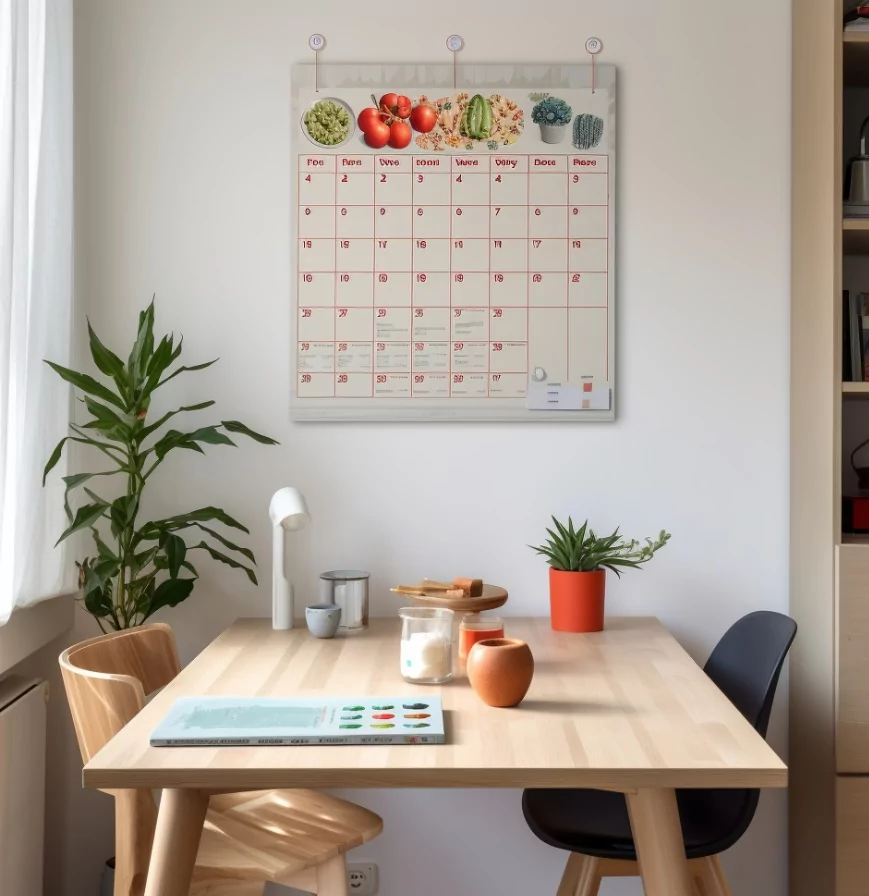
Why Most Family Calendars Fail
Before we talk solutions, let us diagnose the problem. Most family calendars fail for three reasons:
- Information Overload: When Mom’s yoga class, Dad’s work deadlines, and the dog’s vet appointment are all color-coded together, nobody pays attention.
- Accessibility Issues: A paper calendar on the wall does not notify your teenager who is always on their phone. A digital calendar that requires a password is too much friction.
- Lack of Accountability: When there is no consequence for missing an event (because nobody knew about it), people stop checking.
The solution requires three layers: a smart platform, clear communication, and behavioral incentives.
Step 1: Choose the Right Platform
The platform is the foundation. It must be accessible, real-time, and easy to update from any device.
Option A: Google Calendar (The Free Standard)
Why It Works: Everyone has a Google account. You can create a “Family” calendar and share it with a custom link (no password required). Each family member can add their own color and set notifications.
Best For: Families with a mix of tech-savvy and reluctant users. The barrier to entry is extremely low.
Setup Time: 10 minutes.
Option B: Cozi (Purpose-Built Family Calendar)
Why It Works: Designed specifically for families. It includes shopping lists, meal planning, and assignment tracking—not just dates.
Best For: Large families (4+ people) who need to coordinate multiple life areas, not just schedules.
Setup Time: 20 minutes.
Option C: Microsoft Family Group (Integrated Ecosystem)
Why It Works: If your family already uses OneDrive, Outlook, or Game Pass, this integrates seamlessly. You also get parental controls and screen time monitoring if needed.
Best For: Families deeply invested in the Microsoft ecosystem.
Setup Time: 15 minutes.
Step 2: Set Up Color-Coding by Person, Not Event Type
This is where most families get it wrong. They color-code by “work,” “school,” and “personal.” Instead, assign each family member a color. This immediately answers the question: “Is this happening on my day?”
- Mom = Blue
- Dad = Red
- Sarah (14) = Green
- Tyler (11) = Yellow
- Family Events = Purple
This visual system requires zero explanation and works for people of all ages, including grandparents who might not be tech-savvy.
Step 3: Create a “Calendar Entry Ritual”
The calendar only works if events get added immediately. This is where friction becomes your friend. Create a simple ritual:
- Every Sunday dinner: Go around the table and announce next week’s personal commitments. The assigned “Calendar Keeper” (rotate weekly) enters them live.
- School Papers Rule: The moment a school event appears on a permission slip, it goes on the calendar—no exceptions. Make this a house rule.
- The “24-Hour Rule”: Family members can add their own events, but they must do so at least 24 hours before the event. This prevents last-minute chaos.
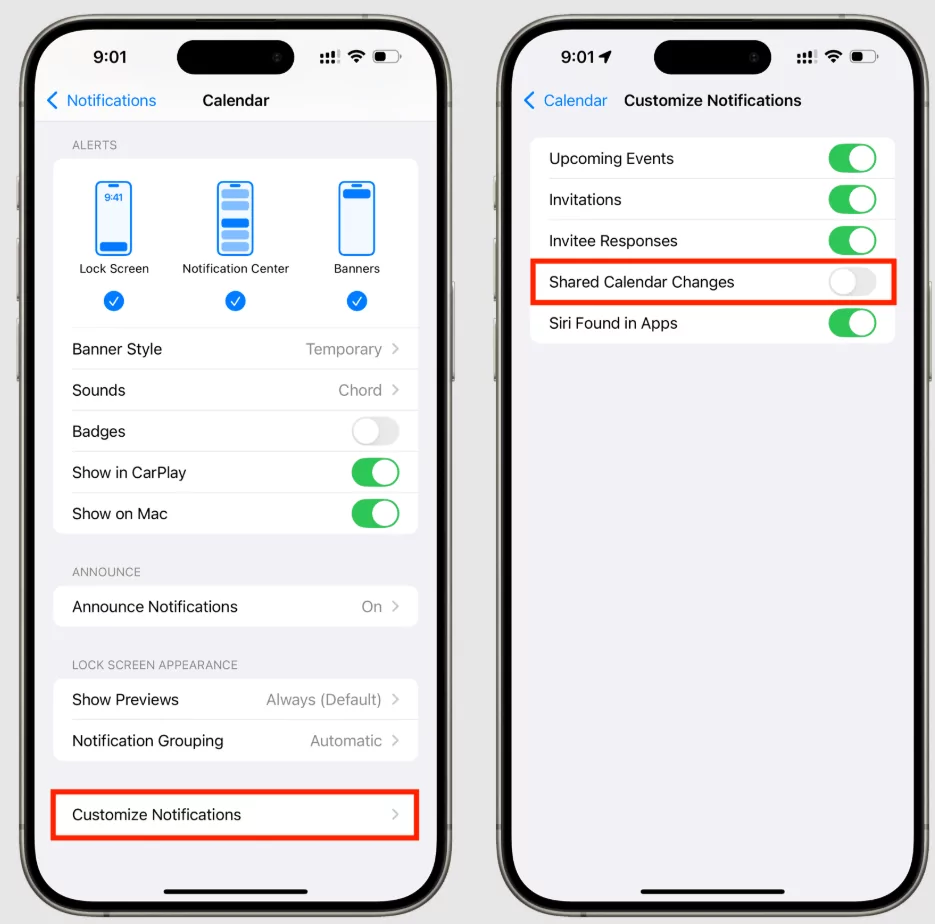
Step 4: Enable Smart Notifications
The most common complaint: “I didn’t know about it.” Smart notifications solve this by meeting people where they are.
- For Teenagers: Set phone notifications for their color only. They will see only their events pop up, not the family clutter.
- For Parents: Enable “All Day Event” alerts. Receive a summary email every Sunday listing the week ahead.
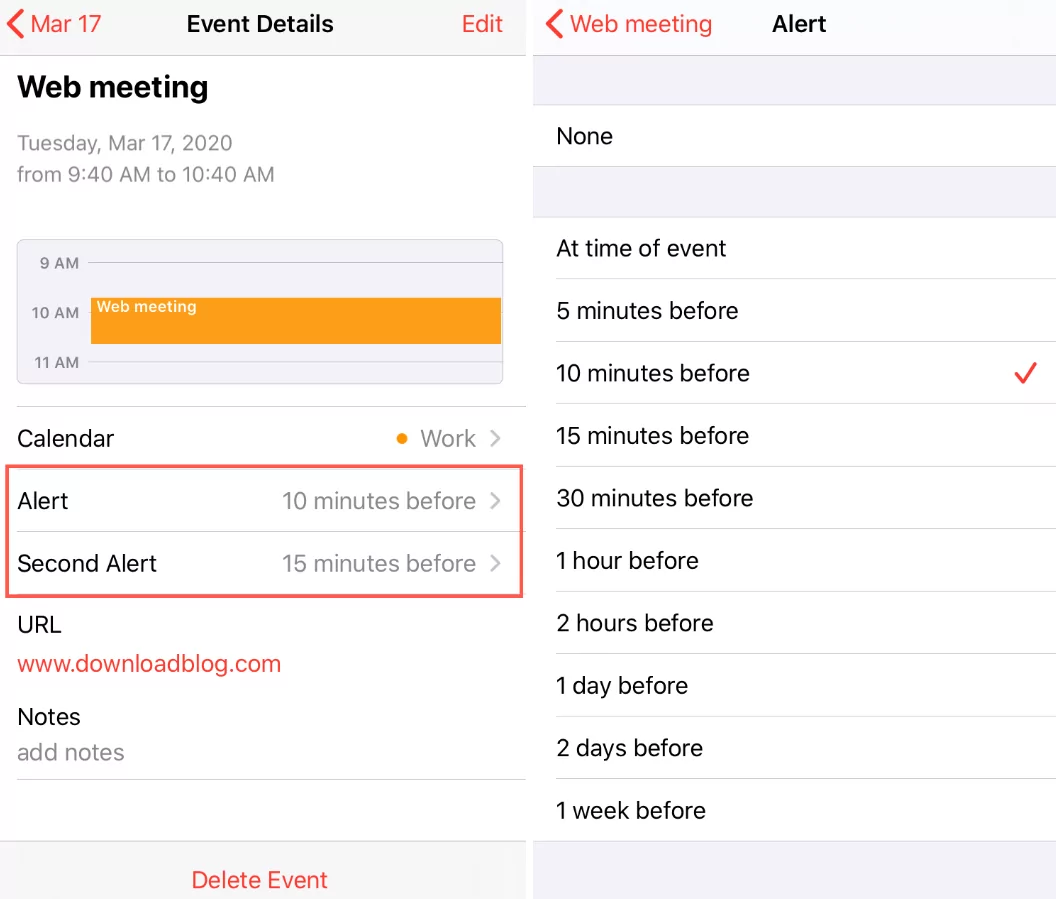
- For Everyone: Set a 24-hour reminder. This gives one last chance to say “Wait, I cannot make it.”
Step 5: Make It Visual and Celebrate It
If you are using a digital calendar, print a physical copy and post it on the kitchen wall. Seeing the same information in two formats increases engagement.
Additionally, celebrate the calendar. When someone actually shows up on time because they checked the calendar, acknowledge it. This positive reinforcement builds the habit.
Troubleshooting Common Problems
Problem: One person still does all the updating.
Solution: Rotate the “Calendar Keeper” role weekly. Each family member, even kids as young as 8, can learn to add events. This distributes the workload and builds ownership.
Problem: The calendar becomes a dumping ground for too much information.
Solution: Create a rule: Only add events that require coordination or have a fixed time. Soccer practice at 4pm? Yes. “Remember to do homework”? No.
Problem: Some family members refuse to use digital tools.
Solution: Keep the paper version on the wall. Let them tell you their events, and others enter them. Not everyone needs to be a user; they just need to be informed.
Conclusion
A family calendar everyone will use is not about the tool—it is about the system. By assigning colors to people, creating rituals, enabling smart notifications, and distributing responsibility, you transform a forgotten wall chart into a lifeline that keeps your family organized and on the same page. In 2026, that is the real secret to family harmony.

