Focus Keeper: Combine Pomodoro with Your Calendar
Focus Keeper is a customizable Pomodoro timer app designed to help users enhance productivity by breaking work into focused intervals separated by short breaks. Combining the Pomodoro Technique with calendar integration allows you to optimize your daily schedule, track habits, and align your tasks with dedicated focus times seamlessly. In 2025, merging Pomodoro practices with calendar planning has become a powerful tool for maintaining concentration and managing workloads efficiently.
What is Focus Keeper?
Focus Keeper is inspired by the Pomodoro Technique, which traditionally uses 25-minute work sessions followed by 5-minute breaks to maintain high productivity without burnout. The app offers customization of timer lengths, session counts, and breaks to fit individual work rhythms. It includes motivational features such as progress charts, streak tracking, and audible alarms.
Benefits of Combining Pomodoro with Your Calendar
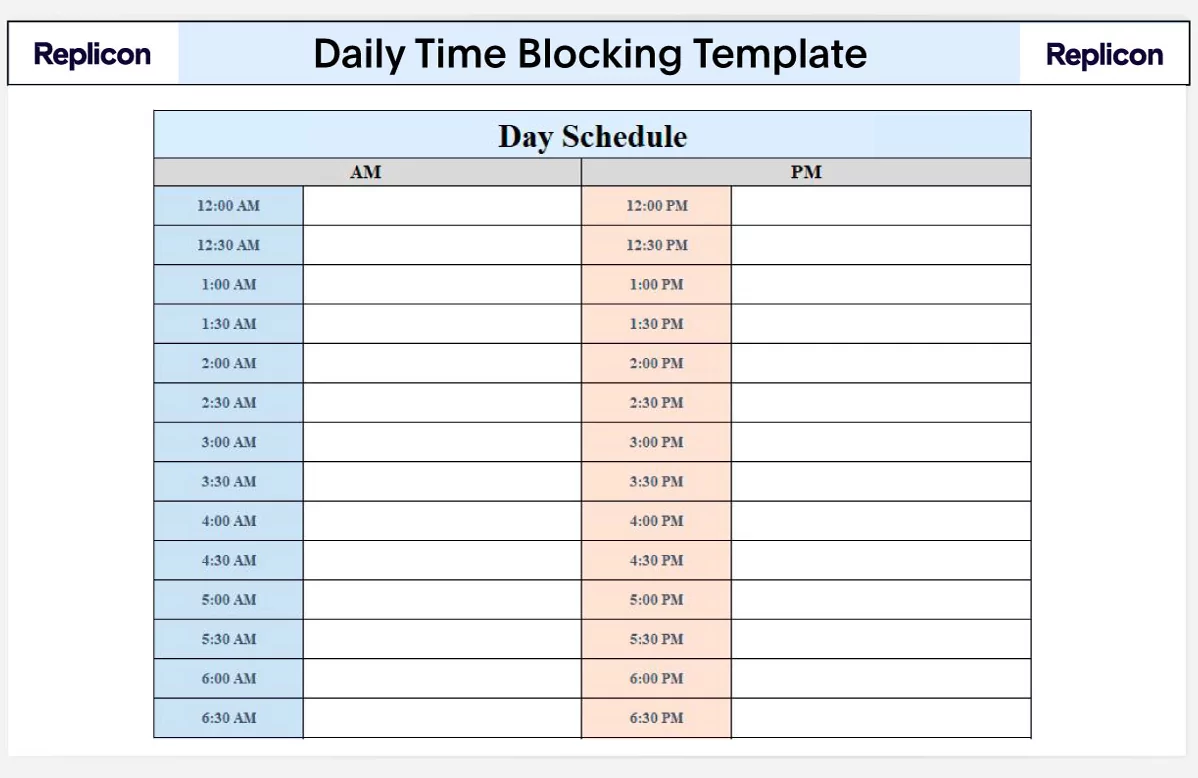
- Structured Time Blocking: Schedule Pomodoro sessions in your calendar to ensure dedicated focus periods free from distractions.
- Enhanced Planning: Integrate tasks and deadlines into your Pomodoro schedule, aligning work bursts with calendar events.
- Accountability: Visual reminders and progress tracking encourage adherence to planned sessions.
- Analytics: Review Pomodoro performance data to identify peak productivity times and adjust planning accordingly.
How to Integrate Focus Keeper with Your Calendar
- Choose your calendar platform: Google Calendar, Outlook, Apple Calendar, or others.
- Set regular Pomodoro sessions: Create recurring calendar events for focus blocks matching your preferred Pomodoro duration (e.g., 25 minutes) and break schedule.
- Use Focus Keeper app: Start timers corresponding with calendar events. Many Pomodoro apps, including Focus Keeper alternatives, now allow syncing or linking timer start with calendar invites.
- Enable reminders: Configure notifications on your device to prompt Pomodoro starts and breaks aligned with calendar blocks.
- Track completed sessions: Maintain a log within your timer app or calendar notes to monitor consistency and productivity.
Popular Pomodoro Apps Supporting Calendar Synchronization
- Reclaim.ai: Combines AI-powered calendar management with Pomodoro timers, automatically blocking focus time and syncs with Google Calendar and Outlook.
- Focus To-Do: Merges task lists with Pomodoro timers and integrates with calendars for combined planning and execution.
- Be Focused: Apple-centric app with iCloud syncing, allowing focus sessions to reflect in native calendar apps.
Tips for Maximizing Productivity with Pomodoro-Calendar Combo
- Consistent scheduling: Fix Pomodoro sessions at similar daily times to build routine and expectation.
- Buffer time: Avoid back-to-back blocks; include transition periods for pauses and unexpected interruptions.
- Task batching: Group similar tasks and allocate specific Pomodoro sessions to those batches for efficiency.
- Review weekly: Reflect on Pomodoro productivity data and adjust calendar focus blocks accordingly.
Common Challenges and Workarounds
- Disruptions during Pomodoros: Set calendar status to “Do Not Disturb” or use app integrations that notify colleagues during focus times.
- Over-scheduling: Balance work sessions with sufficient breaks. Use analytics to avoid burnout.
- Sync errors: Ensure app permissions and calendar connections are current, refresh tokens if necessary.
Integrating Focus Keeper’s Pomodoro timers with your digital calendar is a proven method to structure workdays, enhance concentration, and manage time with precision. This hybrid approach leverages time-tested productivity principles with modern technology, helping you stay focused and efficient in 2025. Start syncing your Pomodoro sessions with calendar events to turn fragmented tasks into productive, manageable work blocks.

