How to Share a Family Calendar Securely – Complete Guide for 2026
Keeping the whole family on the same schedule is one of those things that sounds simple until you actually try to do it. Between school pickups, work meetings, dentist appointments, and weekend plans, the logistics of family life move fast — and a shared calendar is the most effective way to keep everyone in sync. But how to share a family calendar securely is a question more families should be asking before they just hand out access links to everyone. This guide walks you through the smartest, safest ways to set up and share a family calendar in 2026 without sacrificing your privacy or your data.
Why Security Matters When Sharing a Family Calendar
A family calendar isn’t just a scheduling tool — it’s a real-time map of your family’s life. It tells anyone with access where your children are after school, when your home will be empty, what medical appointments are coming up, and where your family is traveling and when. That’s an extraordinary amount of sensitive information sitting in one place, and the consequences of it falling into the wrong hands — whether through a hacked account, an accidental public link, or an over-permissioned app — go well beyond a minor inconvenience.
Most families set up shared calendars quickly, without thinking carefully about permissions, visibility settings, or what data the app itself is collecting and storing. The good news is that sharing a family calendar securely doesn’t require technical expertise. It just requires knowing which settings matter, which platforms are built with privacy in mind, and what habits to build around how you share access. All of that is covered below.
Step 1: Choose the Right Platform for Your Family
The first decision in sharing a family calendar securely is choosing a platform that treats privacy as a feature, not an afterthought. Here are the leading options in 2026 and what makes each one suitable for family use.
Google Calendar
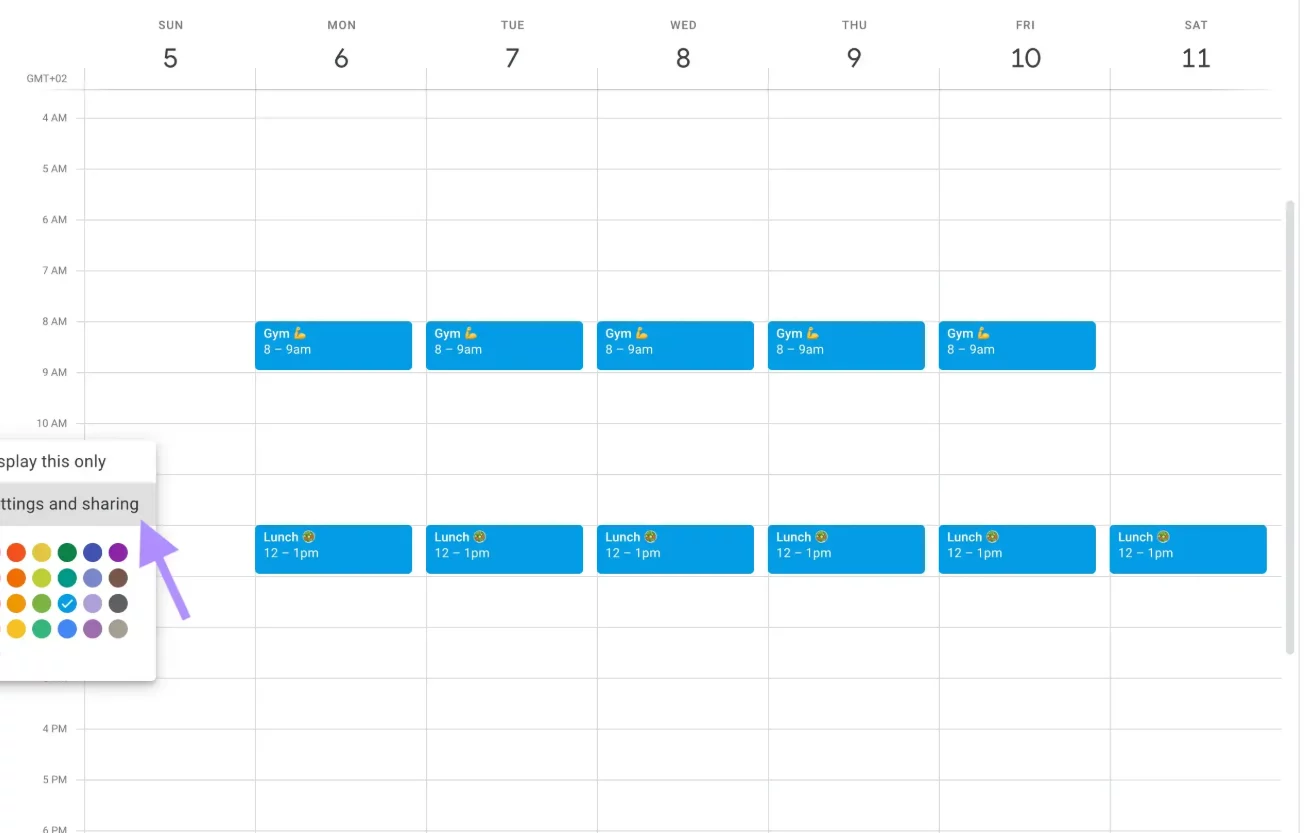
Google Calendar remains the most widely used calendar platform in the world, and its sharing features are genuinely flexible. You can share a specific calendar (not your entire account) with individual family members by email, and you control exactly what they can see and do — from “see only free/busy” all the way to full edit access. Google stores calendar data encrypted both in transit and at rest, and two-factor authentication on every family member’s Google account adds a strong additional security layer. The main privacy consideration with Google Calendar is that Google does use calendar data to personalize ads, which makes it less suitable for families with strong data-privacy preferences.
Apple Calendar (iCloud)
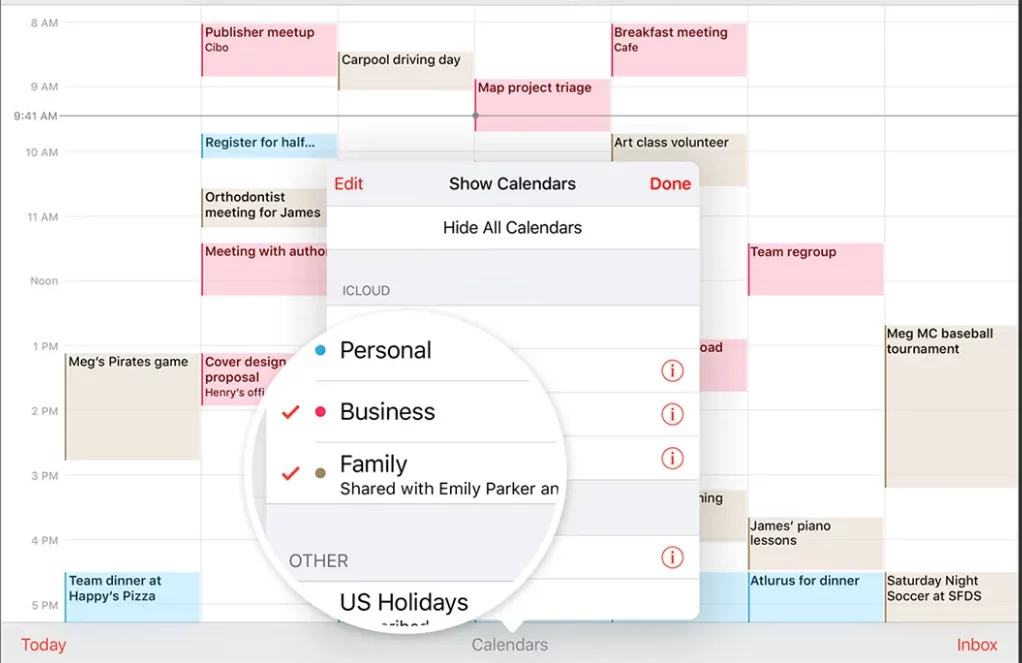
Apple’s Family Sharing feature allows up to five family members to access a shared iCloud calendar without sharing passwords or account credentials — each person uses their own Apple ID. Apple’s approach to privacy is notably stronger than Google’s: iCloud calendar data is encrypted in transit and at rest, and Apple does not use calendar data for advertising purposes. For families already in the Apple ecosystem — everyone using iPhones, iPads, or Macs — iCloud Family Sharing is arguably the most frictionless and privacy-conscious option available in 2026.
FamCal
FamCal is a dedicated family calendar app designed specifically for household scheduling, available on iOS and Android. It supports shared family events, reminders, shopping lists, and notes — all within a single family-focused interface. The free version includes ads, and several advanced features sit behind a paid subscription, but the core shared calendar functionality works well for families who want a purpose-built tool rather than a general-purpose calendar adapted for family use. For privacy, FamCal keeps family data within the app’s closed ecosystem rather than syncing with advertising platforms.
ClanPlan
ClanPlan is one of the stronger privacy-first family calendar options that emerged prominently in 2026. It combines a shared family calendar with task lists, communication tools, and safety features, all within a closed family space. ClanPlan is specifically positioned as the most complete family organization platform for families who want more than just scheduling — making it a compelling choice for households managing multiple children’s activities, school events, and shared responsibilities simultaneously.
OurCal
OurCal describes itself as a privacy-first shared calendar app and has grown to serve over 100,000 families, couples, and groups as of 2026. It supports availability sharing, schedule coordination, and syncing with existing Google or Apple calendars, all with a clear emphasis on user data control. Its clean, functional interface prioritizes clarity over social features, making it ideal for families that want straightforward scheduling without the clutter of feeds, notifications, and gamification layers.
Step 2: Set Permissions Correctly from the Start
No matter which platform you choose, misconfigured permissions are the single most common security mistake families make with shared calendars. Getting this right from the beginning takes about five minutes and saves a significant amount of potential exposure down the road.
Use “See Only Free/Busy” for Outside Contacts
Most calendar platforms allow you to share a stripped-down version of your calendar that shows only whether you’re free or busy at a given time — without revealing the event title, location, or details. This is the appropriate permission level for colleagues, extended family members, or anyone outside your immediate household who needs to know your general availability without seeing the specifics of your schedule. Never share full event details with people who only need availability information.
Restrict Edit Access to Trusted Household Members Only
Edit access — the ability to add, modify, or delete events on a shared calendar — should be limited only to the people who actively manage the family schedule. In most households, that means one or two adults. Children, extended relatives, or babysitters who need to view the calendar should be set to read-only access at most. This prevents accidental deletions and ensures that the calendar remains a reliable source of truth for everyone who depends on it.
Avoid Generating Public Share Links
Google Calendar, Teamup, and several other platforms allow you to generate a public URL that anyone with the link can use to view your calendar — no login required. This feature exists for legitimate purposes (publishing event schedules for clubs or organizations), but it is entirely inappropriate for a family calendar containing personal schedules, home addresses, children’s school times, and travel plans. Always use email-based sharing that requires recipients to log in with a verified account, rather than open links that can be forwarded or accessed by anyone.
Step 3: Secure Every Account Connected to the Calendar
A shared calendar is only as secure as the weakest account that has access to it. If one family member’s email is compromised, and that email has full edit access to the family calendar, the entire calendar is exposed. Here’s how to close that vulnerability.
Enable Two-Factor Authentication (2FA) on Every Account
Two-factor authentication means that even if someone obtains a family member’s password, they still can’t access the account without a second verification step — typically a code sent to a phone or generated by an authenticator app. Enable 2FA on every Google, Apple, or calendar-app account that has access to your family calendar. This one step dramatically reduces the risk of unauthorized access from outside your household, and it takes less than two minutes to set up on most platforms.
Use Strong, Unique Passwords
Reusing passwords across multiple services is one of the most common ways accounts get compromised. If a data breach exposes a password used on a minor shopping site, and that same password is used on the Google account tied to your family calendar, your calendar is now at risk. Use a password manager — options like Bitwarden (free and open-source), 1Password, or Apple’s built-in Keychain — to generate and store unique, strong passwords for every account in your household.
Review Account Access Regularly
Family situations change — children grow up and get their own accounts, babysitters or nannies move on, relatives who had access no longer need it. Make it a habit to review who has access to your family calendar at least once every six months. Remove access for anyone who no longer needs it, and audit the permission levels for everyone who remains. On Google Calendar, this is done through Settings > Share with specific people. On iCloud, it’s managed through Family Sharing settings in your Apple ID account.
Step 4: Be Smart About What You Write on a Shared Calendar
Even a perfectly secured calendar can become a privacy risk if the information entered into it is overly detailed. How you write calendar entries matters almost as much as how you share the calendar itself.
- Avoid full home addresses in recurring events — use shorthand like “home” or “school” rather than a full street address for events that appear on the calendar repeatedly.
- Don’t include sensitive medical information in event titles — “Dr. appointment” is sufficient; there’s no need to include a diagnosis or medication name in a title visible to everyone with calendar access.
- Be careful with travel dates — a two-week family vacation block on a calendar that has any external sharing is effectively advertising that your home will be empty. Review who can see travel events before adding them.
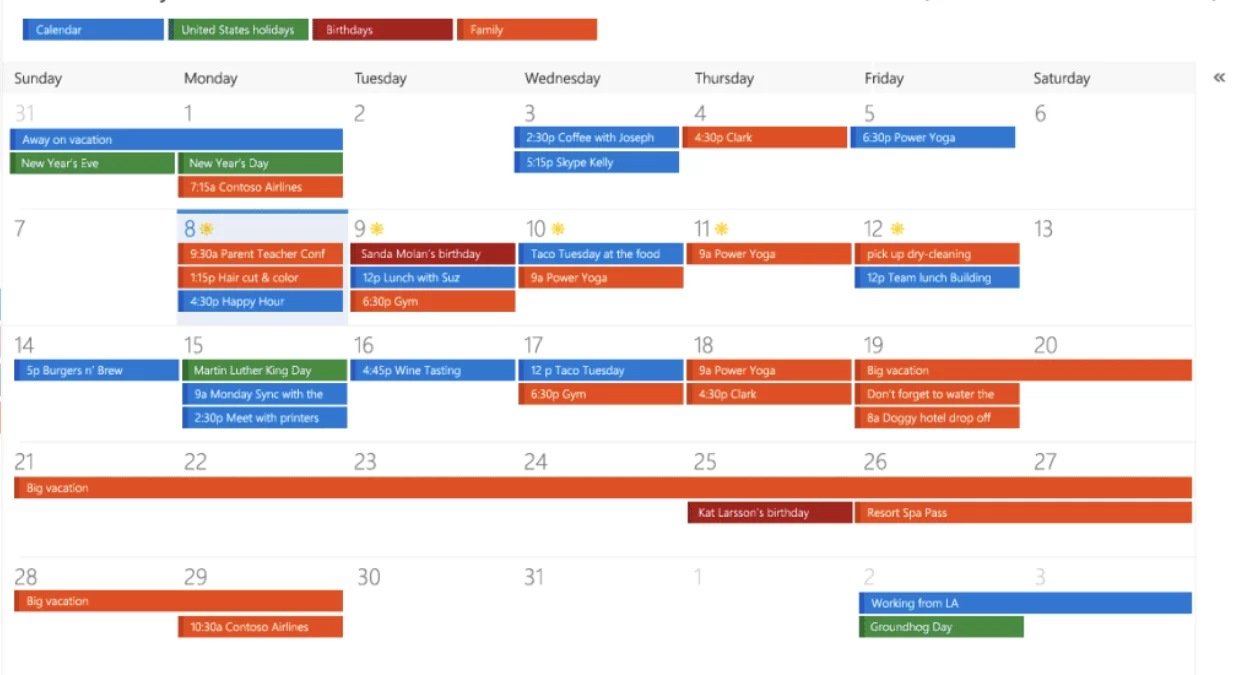
- Use calendar categories strategically — many platforms let you create multiple separate calendars within one account. Keep a “household” calendar for general family sharing and a separate “private” calendar for sensitive personal appointments that only you can see.
Step 5: Consider End-to-End Encrypted Options for Maximum Privacy
For families with serious privacy requirements — or anyone who has thought carefully about what their calendar data reveals — end-to-end encrypted (E2EE) calendar solutions provide the strongest available protection. With end-to-end encryption, calendar data is encrypted on your device before it ever reaches the server, meaning the platform itself cannot read your events even if it wanted to.
Proton Calendar is the leading end-to-end encrypted calendar option in 2026. Built by the team behind ProtonMail, it encrypts all event titles, descriptions, locations, and participant information before storage, so that only you and the people you explicitly share with can read the content. Proton Calendar supports family sharing through Proton’s ecosystem and is available on web, iOS, and Android. It’s the strongest privacy choice available for families who treat data security as a genuine priority rather than a nice-to-have.
Best Practices at a Glance
Here’s a quick summary of everything covered above, distilled into an actionable checklist you can work through in a single afternoon:
- Choose a platform with strong privacy controls — Apple iCloud, OurCal, ClanPlan, or Proton Calendar depending on your priorities.
- Share via email invitation, never public links — require recipients to log in before viewing calendar data.
- Set the right permission level for each person — edit access only for primary household managers; read-only for everyone else.
- Enable 2FA on every connected account — no exceptions, including children’s accounts.
- Use strong, unique passwords and a password manager — Bitwarden, 1Password, or Apple Keychain all work well.
- Audit access every six months — remove anyone who no longer needs access and review permission levels for those who do.
- Write calendar entries carefully — avoid full addresses, sensitive medical details, and over-detailed travel schedules visible to broad audiences.
- Use separate calendars for sensitive vs. general events — keep private appointments on a personal calendar, not the household shared one.
Sharing a Family Calendar Should Feel Safe, Not Risky
A shared family calendar is one of the most practical tools a household can use — it reduces missed appointments, cuts down on “where are you?” messages, and keeps everyone genuinely coordinated. None of that value requires sacrificing your family’s privacy. Knowing how to share a family calendar securely means you get all the organizational benefits without handing over a detailed map of your family’s daily life to the open internet. Take the time to set it up correctly once, and the calendar will work safely for your family for years to come.

